Step 01
Create your Seller Copilot account
Start a free trial on our app — register your company, verify your email, and pick a plan. No credit card required for the trial.
Start free trial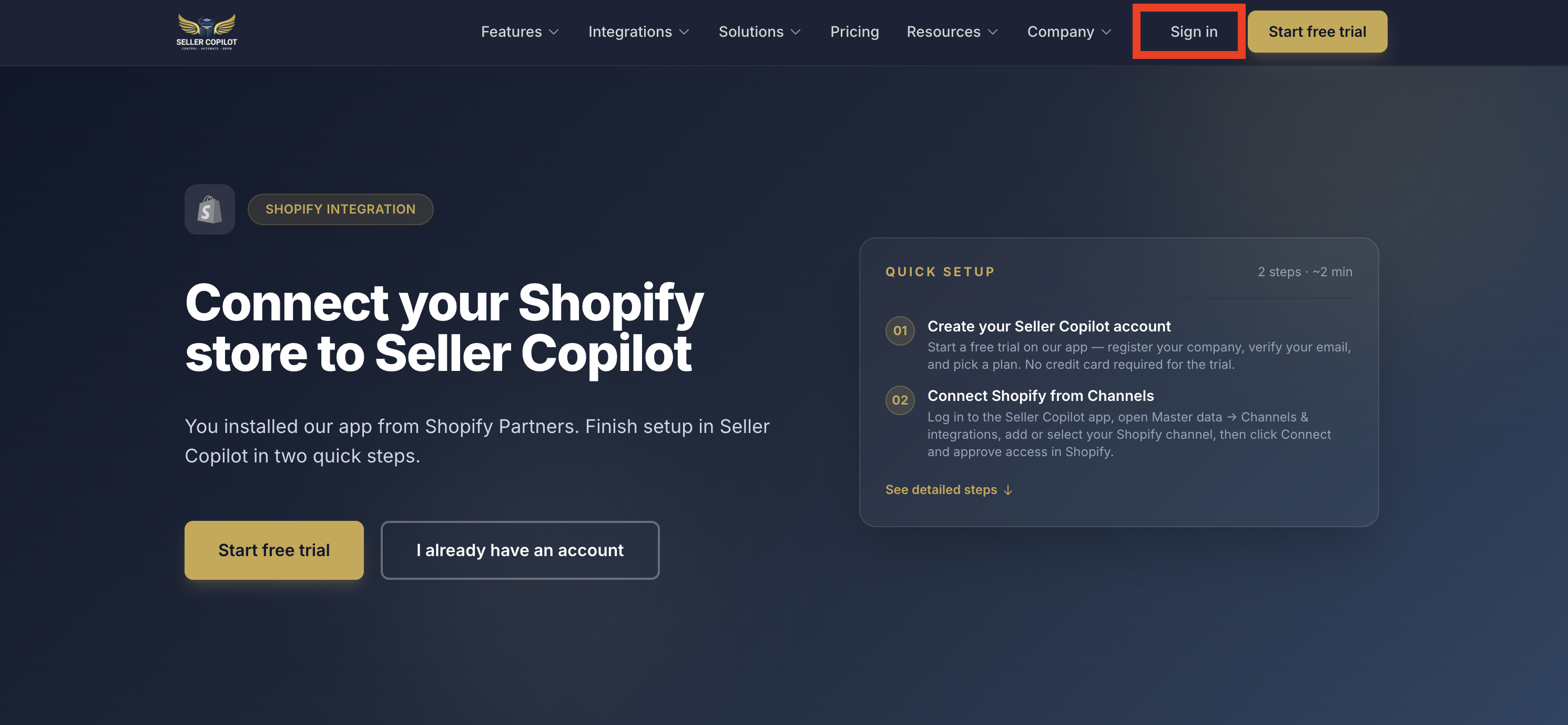


Shopify integration
You installed our app from Shopify Partners. Finish setup in Seller Copilot in two quick steps.
How it works
Installing from the Shopify App Store only opens this guide. Your store is linked when you click Connect inside the Seller Copilot app.
Step 01
Start a free trial on our app — register your company, verify your email, and pick a plan. No credit card required for the trial.
Start free trial Step 02
Log in to the Seller Copilot app, open Settings → Sales Channels, add or select your Shopify channel, then click Connect and approve access in Shopify.
Log in & open Sales Channels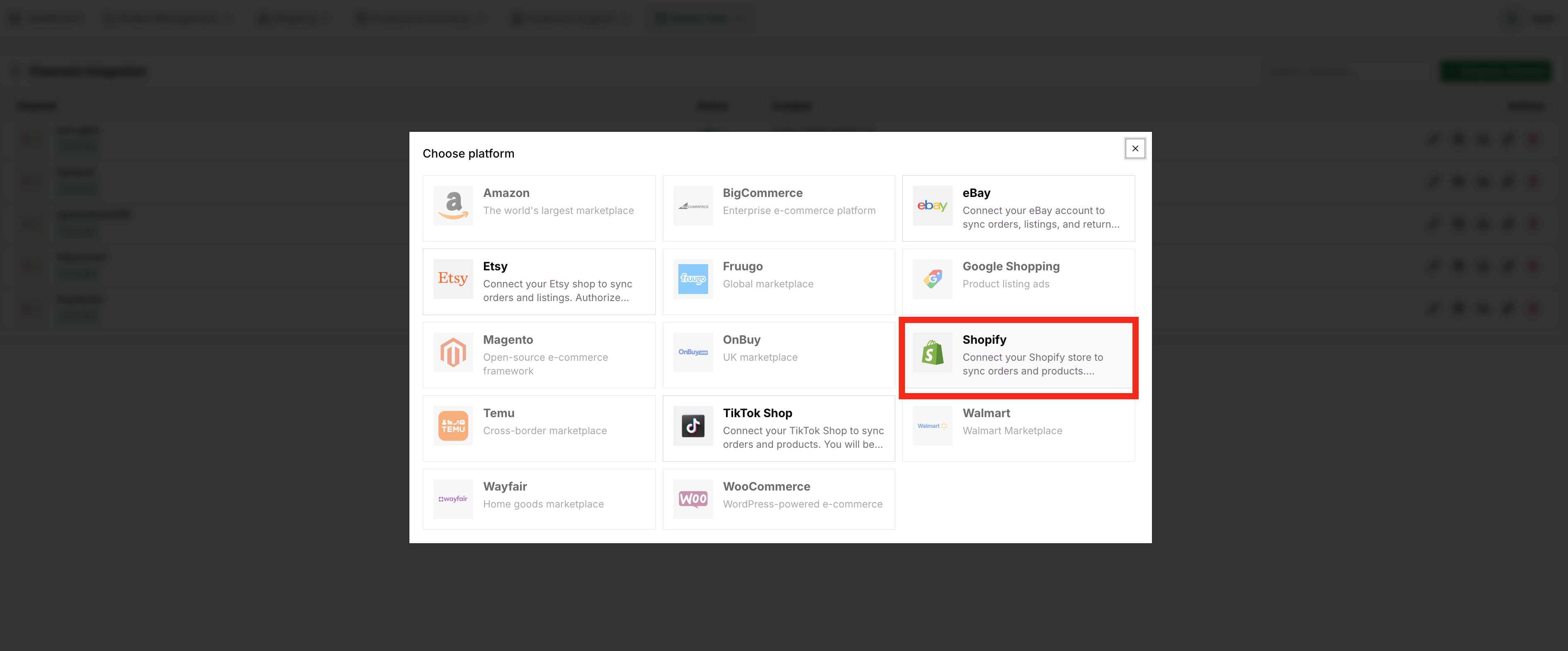
Our team can help with onboarding, channel setup, and Shopify permissions.